
context
When I joined the project, AMIT was already operating across a large and complex educational network. Teachers, content editors, and students were moving between different tools and workflows for creating lessons, managing learning, submitting work, and reviewing progress.
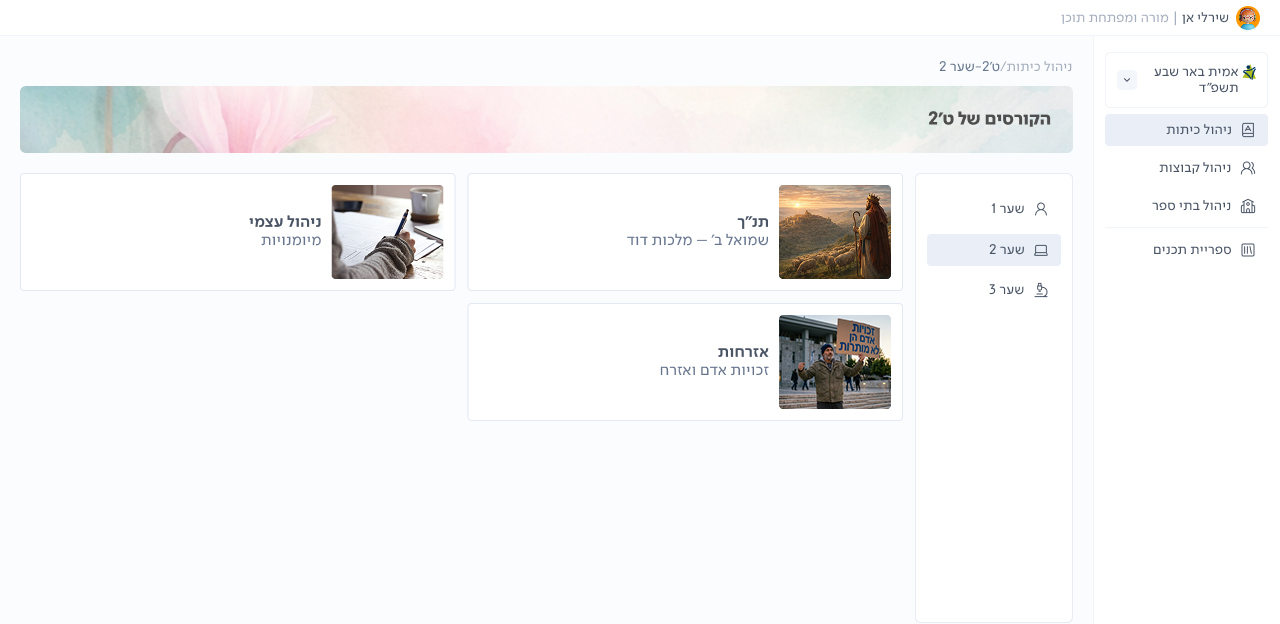
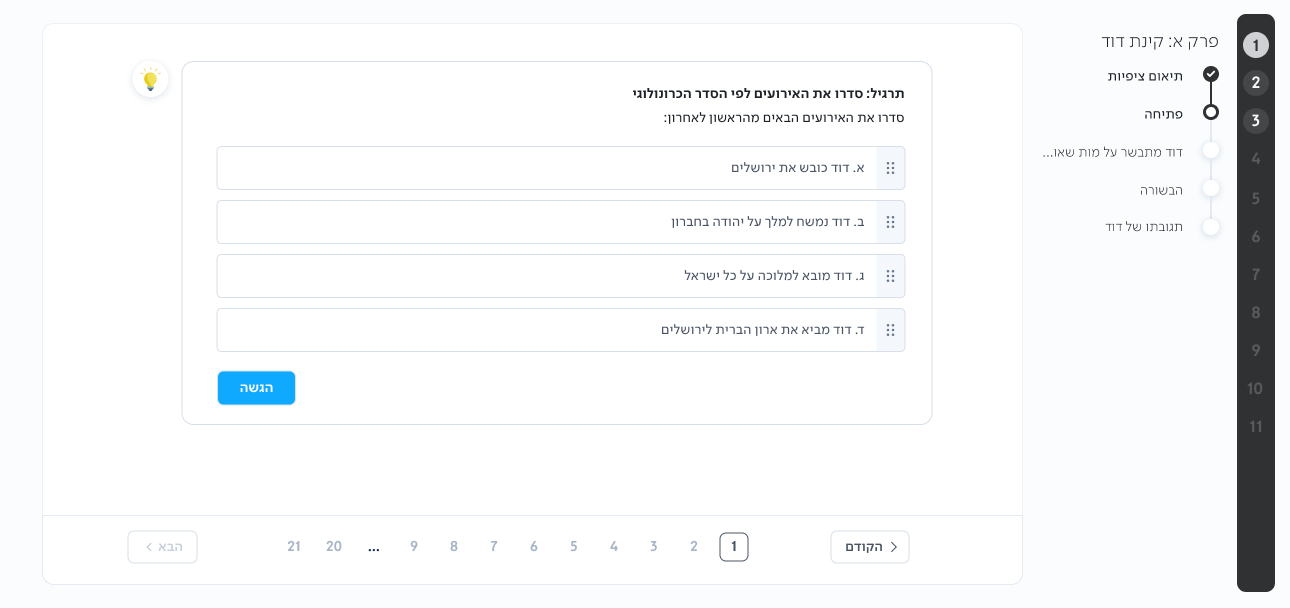
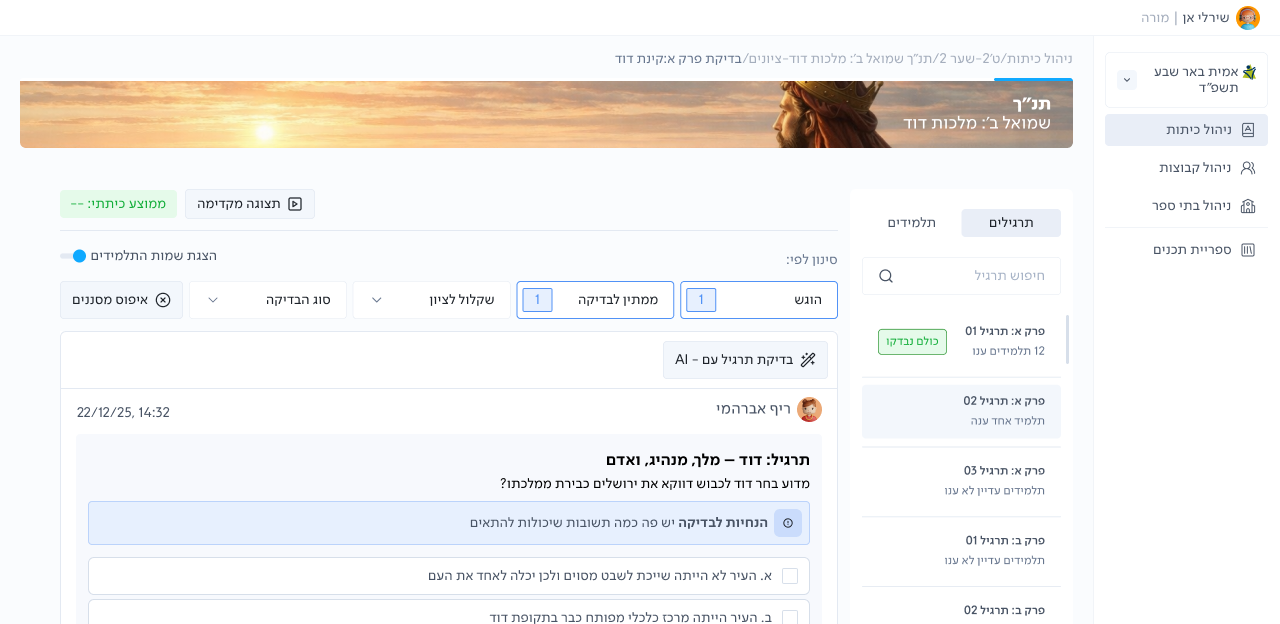
The goal was not simply to build another LMS. It was to create one connected platform that could support the full learning journey, while still fitting into existing school processes, pedagogical needs, and Ministry of Education requirements. I led the product design across this ecosystem, working closely with product, engineering, pedagogical teams, teachers, and students.
Content creation
Teaching
Student learning
Assessment
AMIT LMS
One connected platform
The challenge
Learning and assessment were split across 4 systems
Teachers moved between 4 separate platforms to create content, manage learning, assess students, and track progress. The workflows were disconnected, grading logic was inconsistent, and final scores were not directly tied to the learning content.
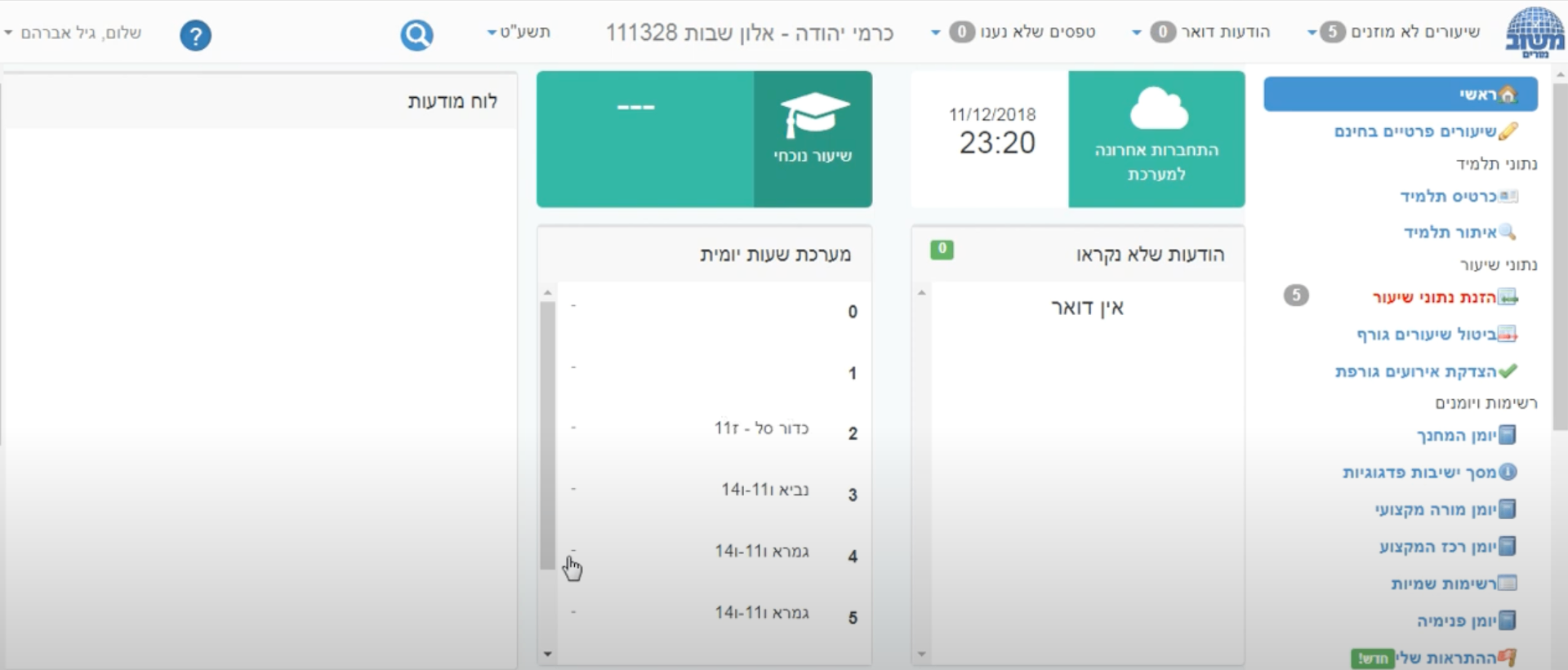
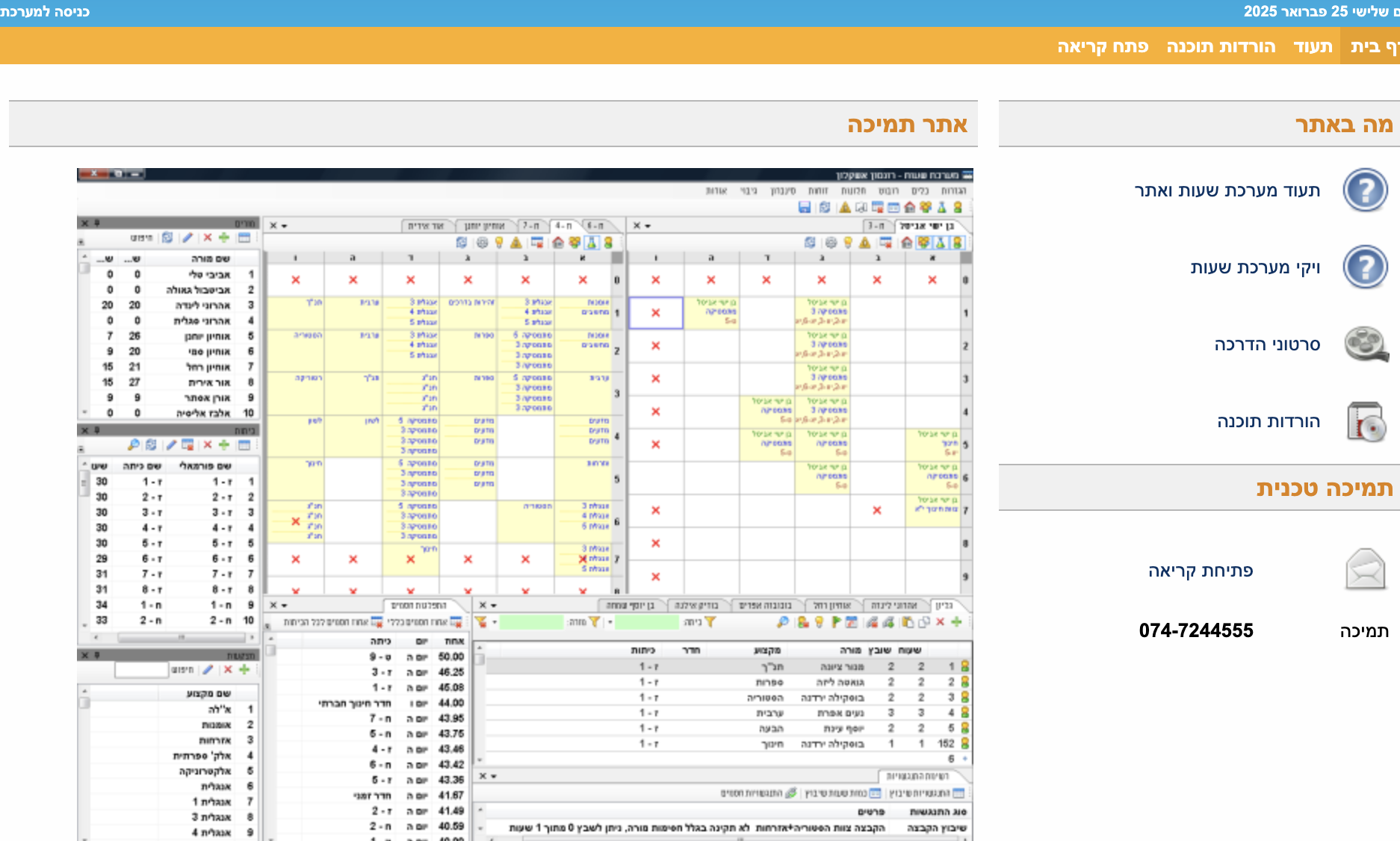
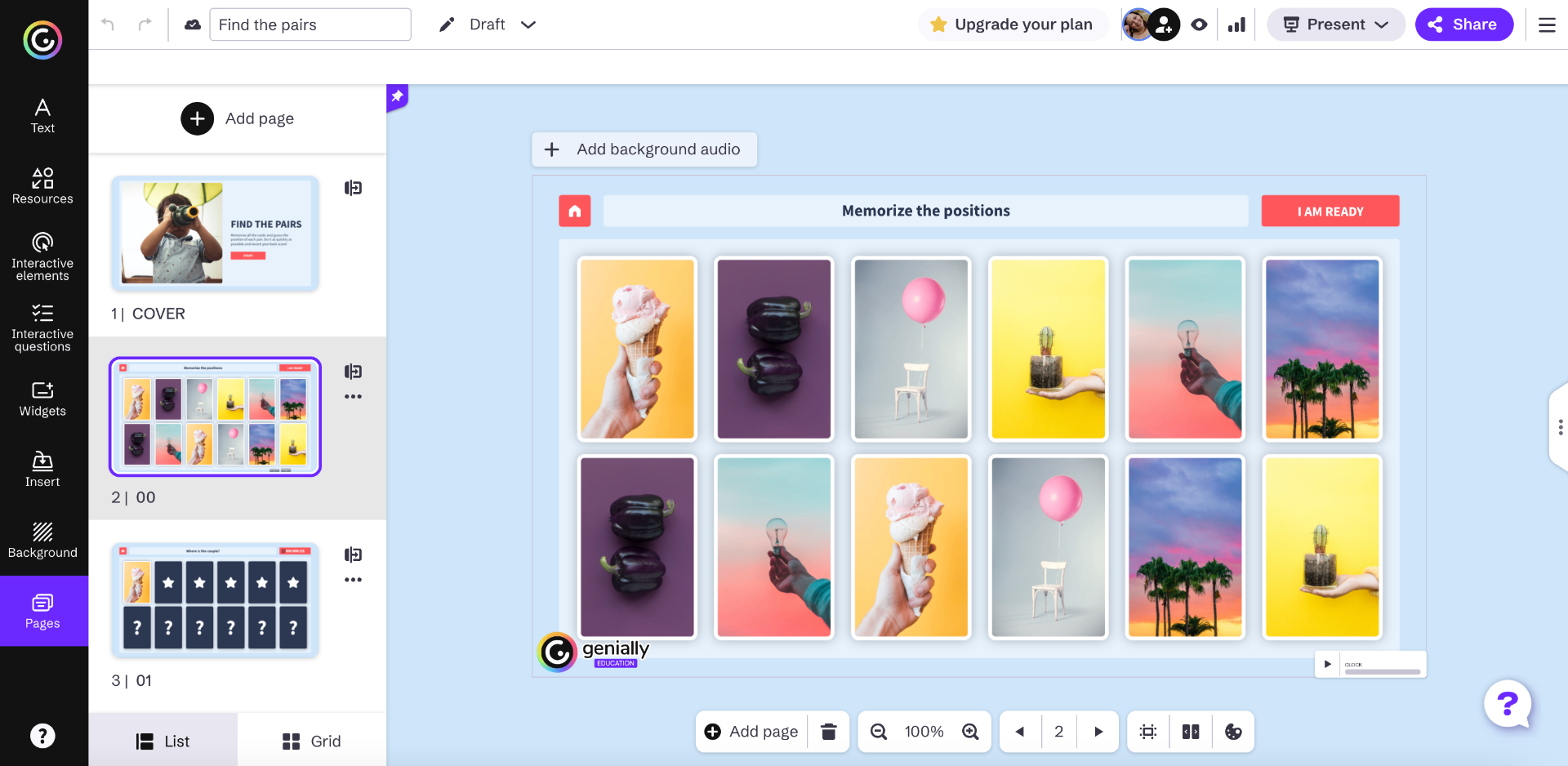
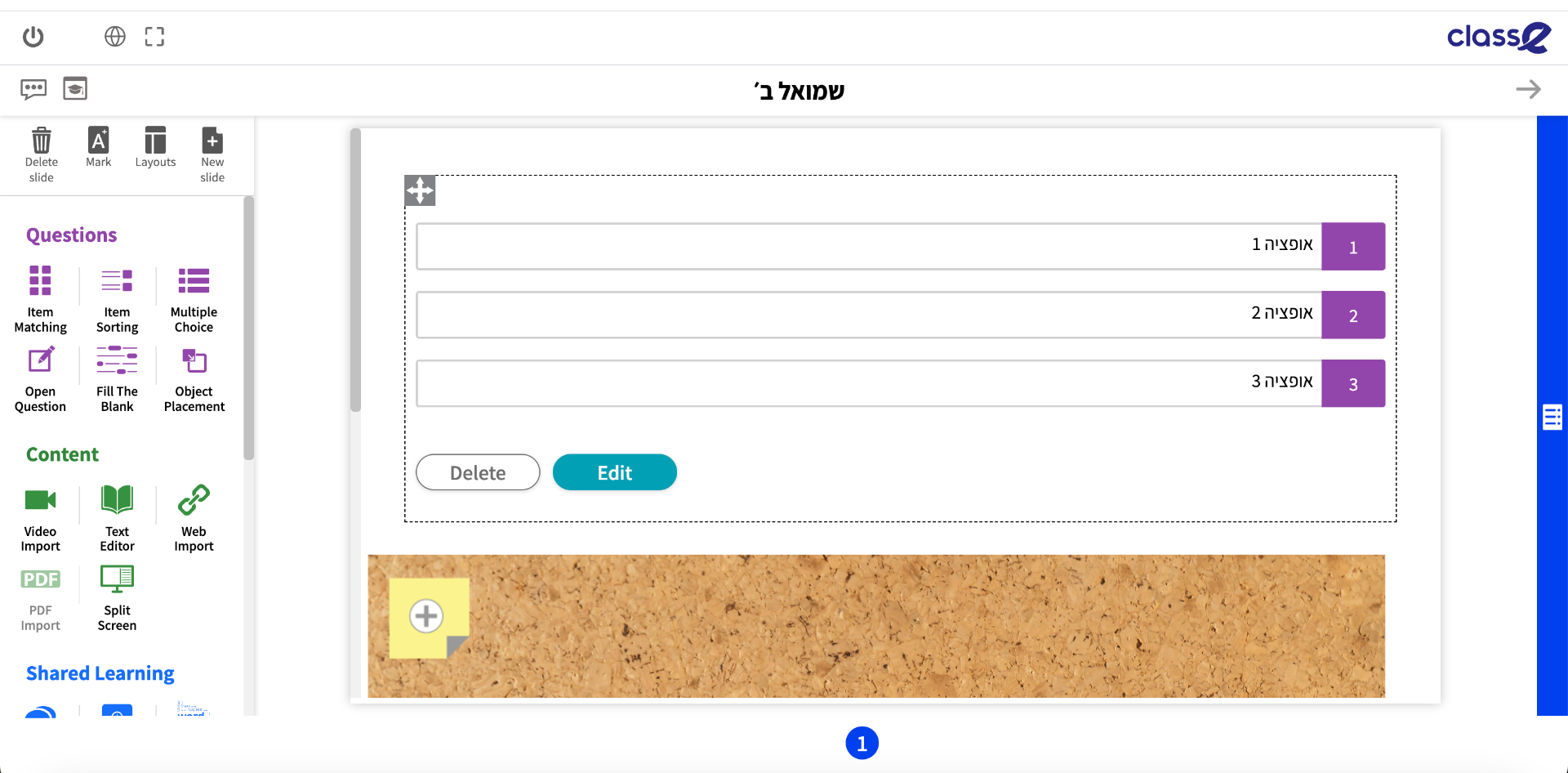
Examples of systems in use: Mashov, Shahaf, Genially, Class‑E
The solution
One product model connecting learning, assessment, and progress
AMIT LMS brought course structure, lesson creation, student work, feedback, grading logic, and progress tracking into one connected system. The platform standardized the underlying learning model while allowing teachers to use different content formats, external tools, and teaching methods.
A single teacher workflow connecting course management, lesson creation, assessment, and the student experience.
PRODUCT DECISION 01
The navigation made the system feel slower than it was
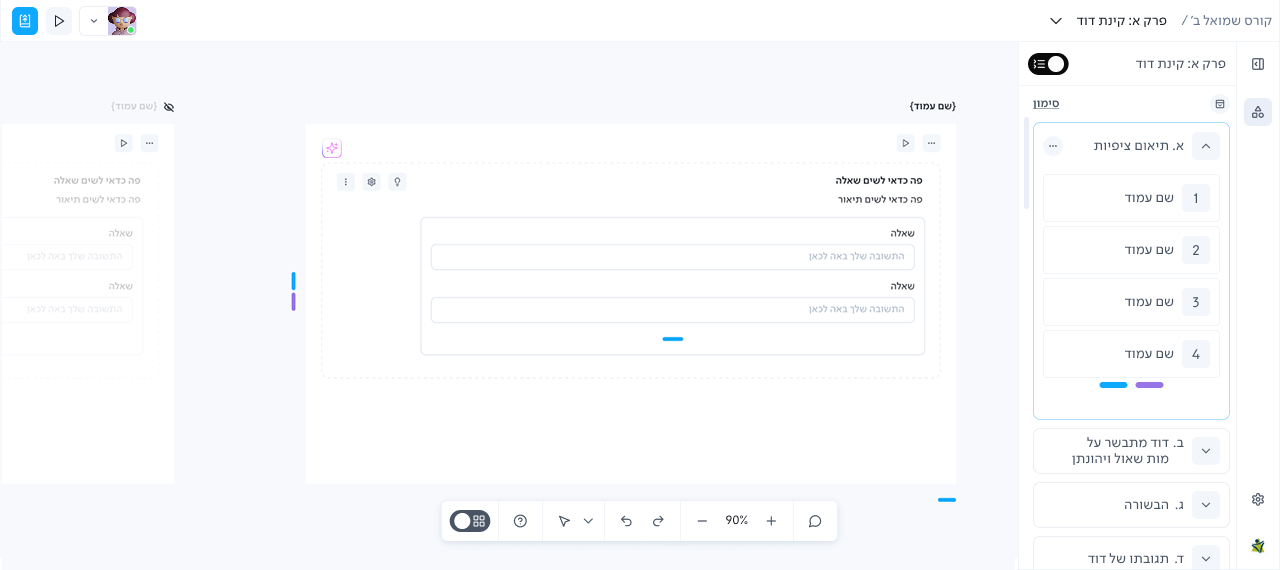
Users reported that switching between lessons felt slow. When I recreated the flow and reviewed the technical behavior with development, I found that every lesson change loaded a new workspace. But the original side navigation made it look like a lightweight move inside the same canvas. The issue was not only performance. The interface created the wrong expectation.
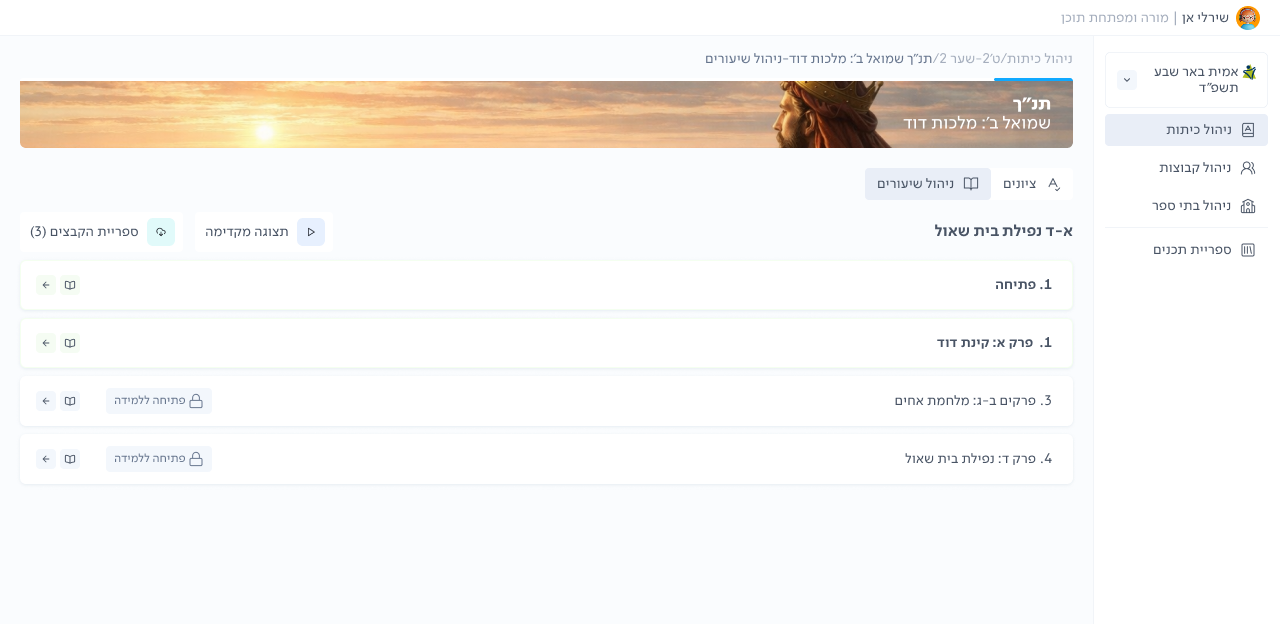
The full course hierarchy appeared in one continuous side navigation, even though switching lessons required loading a new workspace.
EXPLORATION
Option 1: Keep the structure and add a skeleton loader
This could make the waiting state feel more polished, but it would not explain why a full reload was happening. The user would still expect an in-canvas transition.
Option 2: Separate lesson switching from in-lesson navigation
I proposed moving lesson switching to a top dropdown, while keeping the side panel focused only on the current lesson's sections and pages.
DECISION
Separate lesson switching from in-lesson navigation
I chose to redesign the navigation model rather than only soften the loading state.
The new structure did not remove the loading time. It made the transition more understandable by aligning the interface with the system's actual behavior.
MY ROLE
I identified the mismatch, proposed the new model, and presented the rationale to both development and the client.
Because the change was substantial and affected an established workflow, I had to secure stakeholder alignment and budget before implementation.
OUTCOME
Internal testing showed that switching between lessons felt more natural and better aligned with the expected context change.
Formal usability metrics were not available.
PRODUCT DECISION 02
Designing for real classroom conditions
Our first launch brought several classes onto the platform at the same time.
I joined the Product Manager and CTO on site, observed students using the system, documented issues, and raised the problems that only became visible under real classroom load.
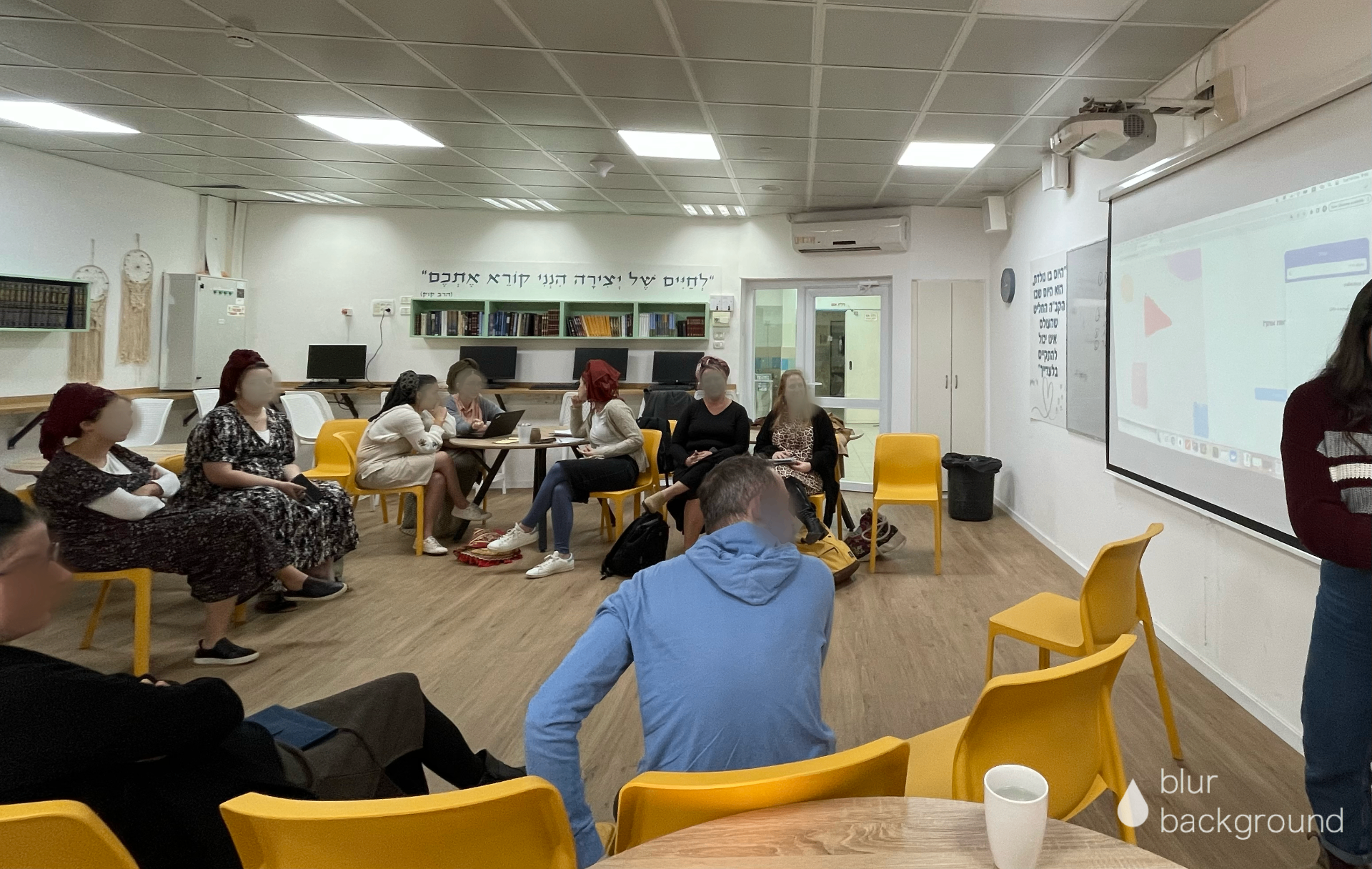
Observing the first classroom launch helped surface issues that only appeared under real usage and load.
problem
Video delivery had to support concurrent classroom use
Signal
Several classes streaming simultaneously caused videos to stall.
Decision
We changed the delivery architecture and moved video streaming to Cloudinary.
Completion logic had to reflect real viewing behavior
Signal
Students who watched nearly the entire video were blocked by a few remaining seconds.
Decision
We changed completion from 100% to 80% and disabled scrubbing to preserve the pedagogical requirement.
OUTCOME
a shared foundation for AMIT's digital learning
The LMS connected course management, lesson creation, student learning, assessment, and progress within one shared product model
200+ lessons created
Manually counted at the time of review. The platform is still active, so the current total is likely higher.
REFLECTION
What I took from this project
This project reinforced that complex systems do not become simpler by hiding their complexity. They become simpler when the product gives that complexity a clear structure.
It also taught me to treat real-world use as part of the design process, not as the point where design ends.